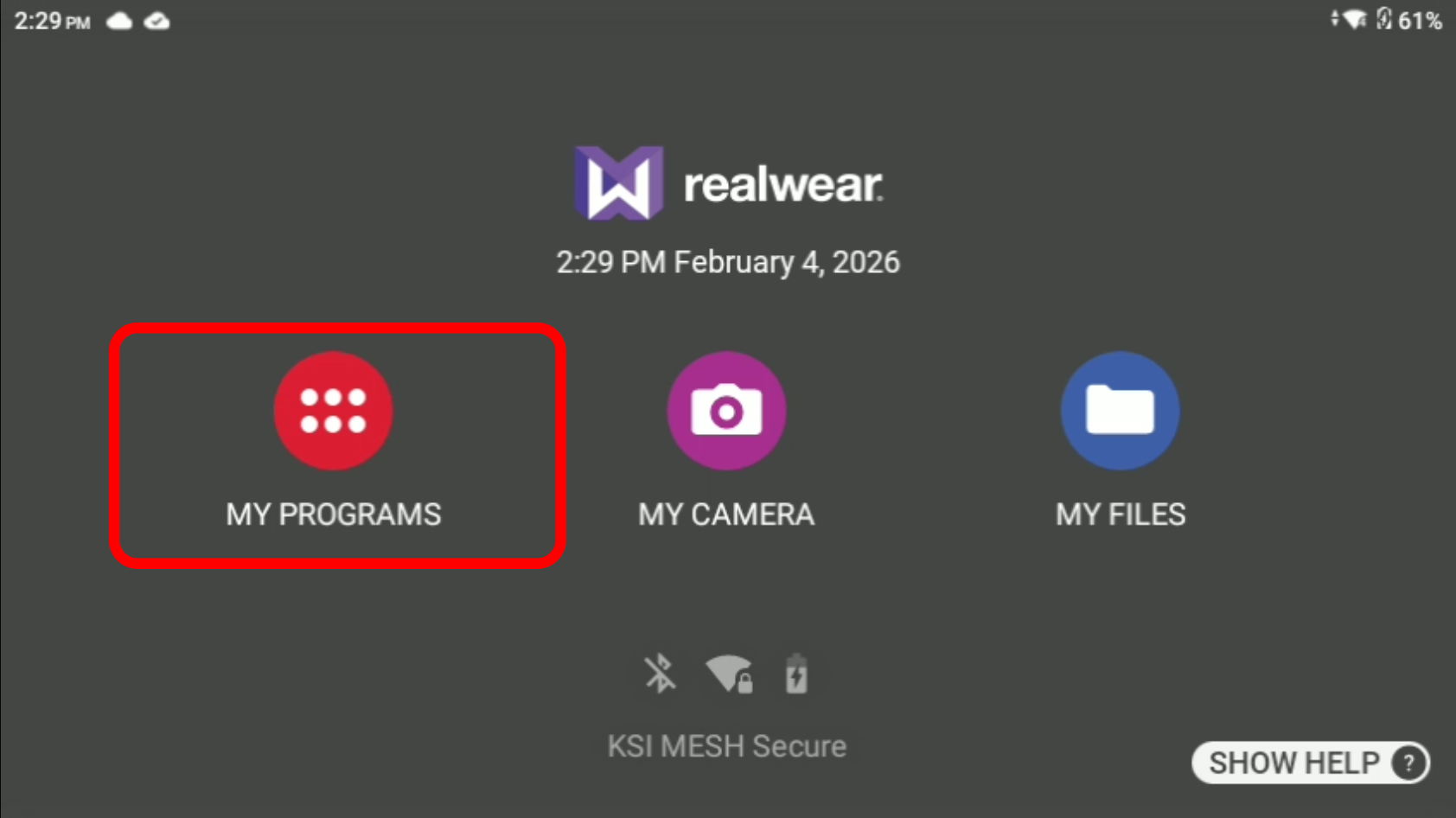
 | To Factory Reset the device, first visit the home screen by saying “Navigate Home” if not already there. Next say “My Programs”. |
| On the new page that appears, using the gyro scroll left/right until you see the My Controls option. Simply say “Select My Controls” to enter then next menu. | 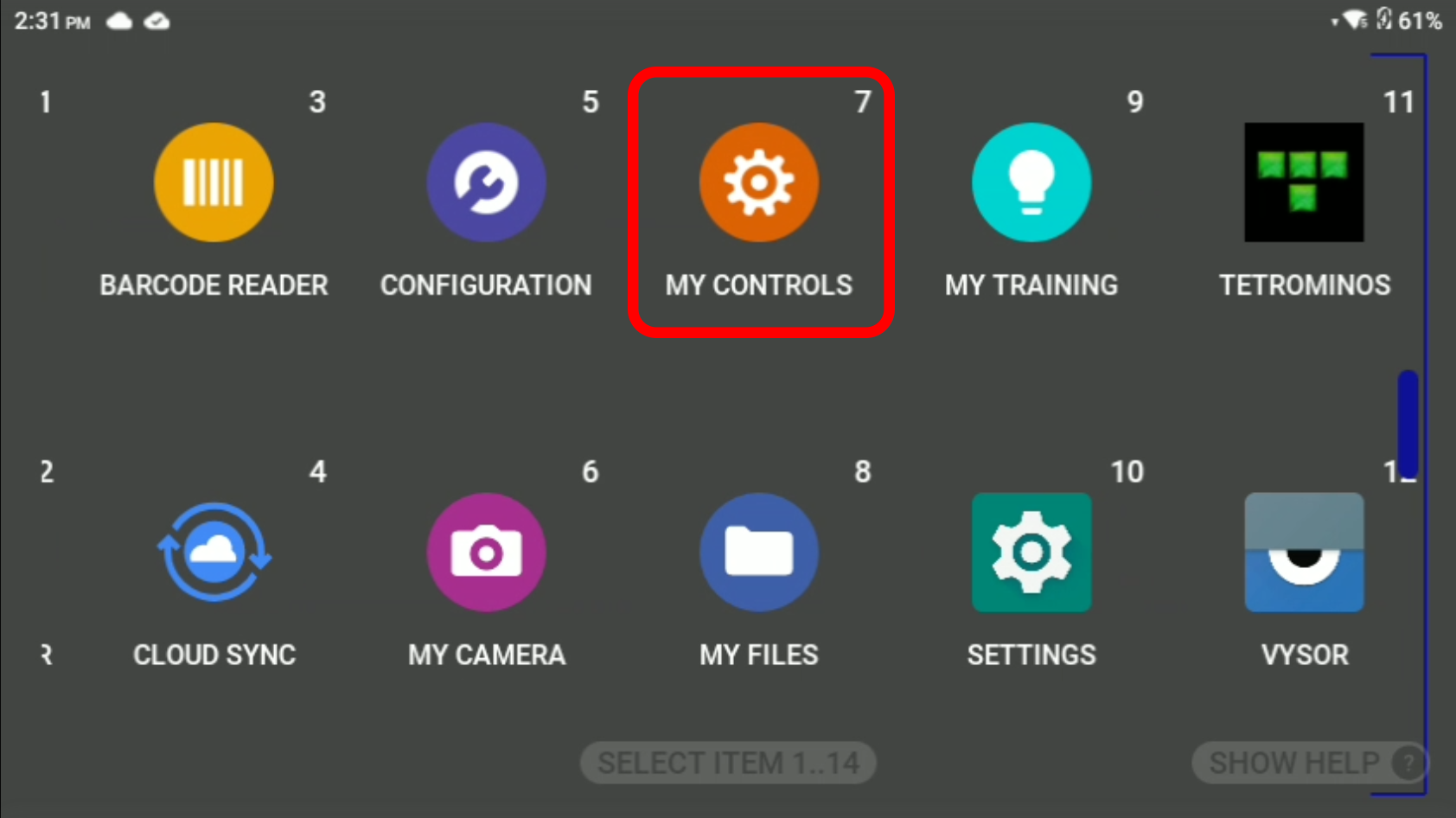 |
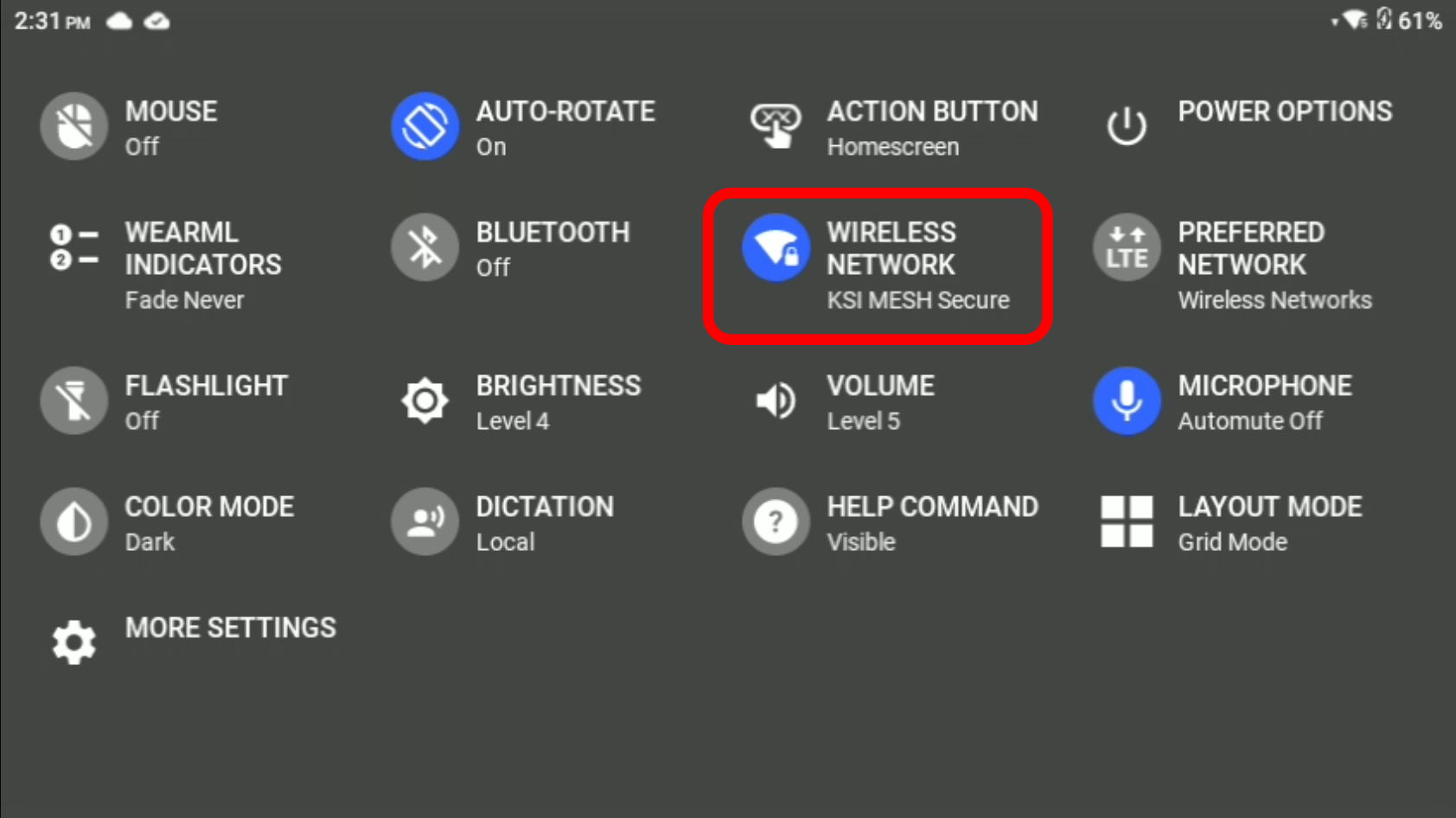 | In the My Controls menu, say “Wireless Network”. |
| A pop-up will appear, to continue say “Wireless Network Settings” | 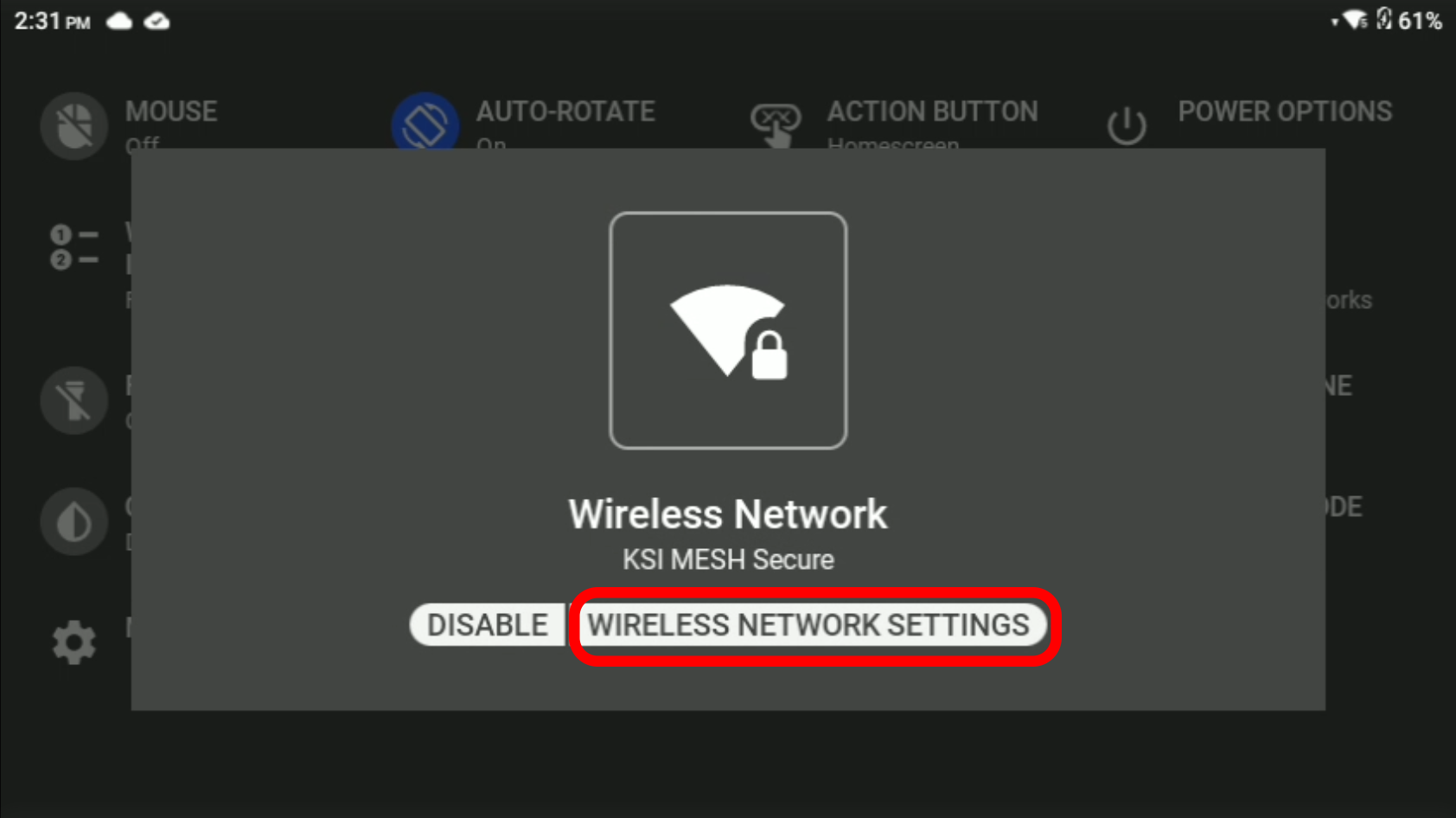 |
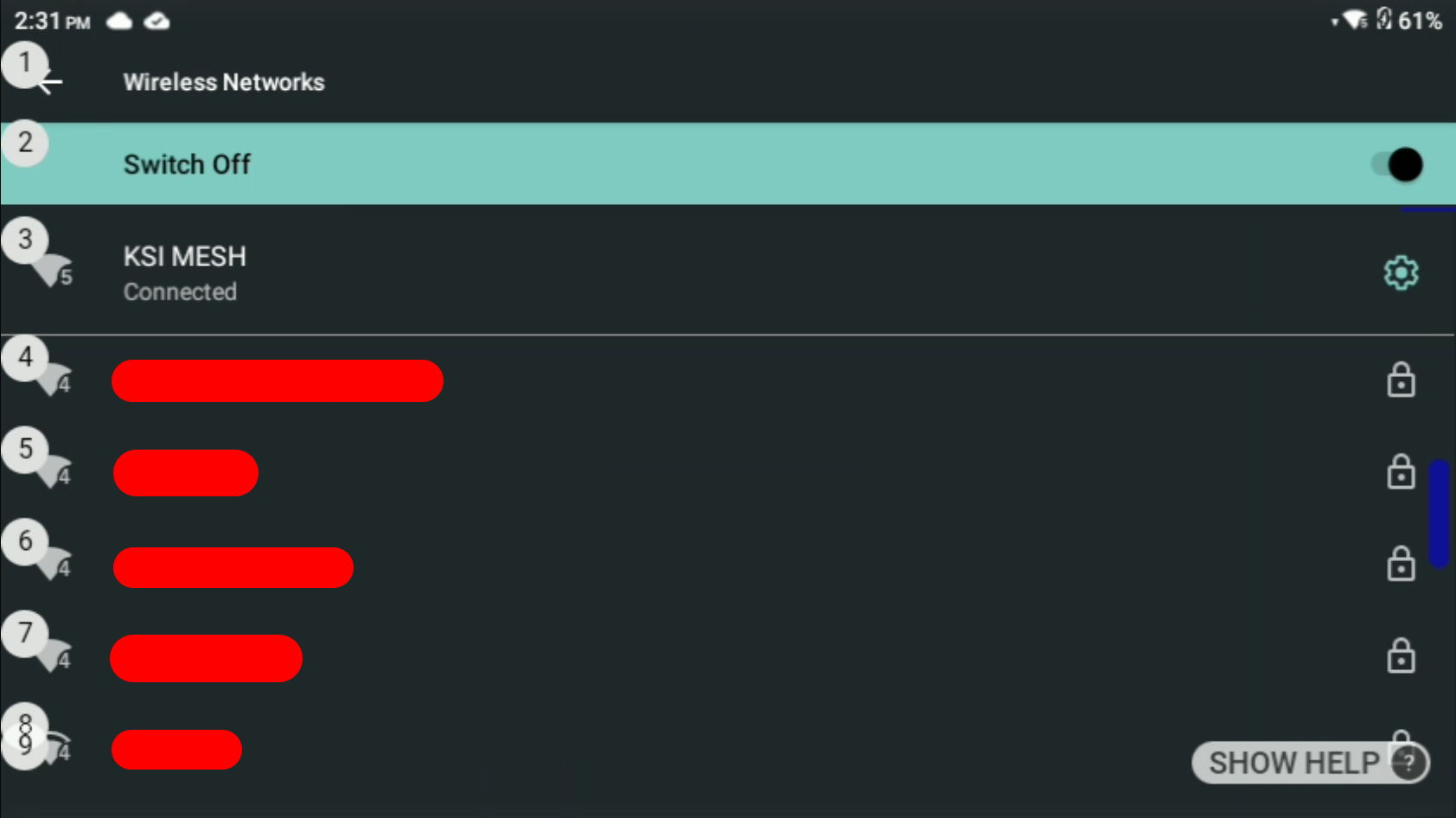 | You will then see a list of all the available Wi-Fi’s included the one you may be connected to. If needed say “Page Down/UP” to see other sections of the list. To connect to a Wi-Fi say “Select #” the # representing the associated Wi-Fi on the list. |
| Say the password one character at a time. (This may be easier when screen mirroring using something like Vysor. Instructions can be found in the next section) | 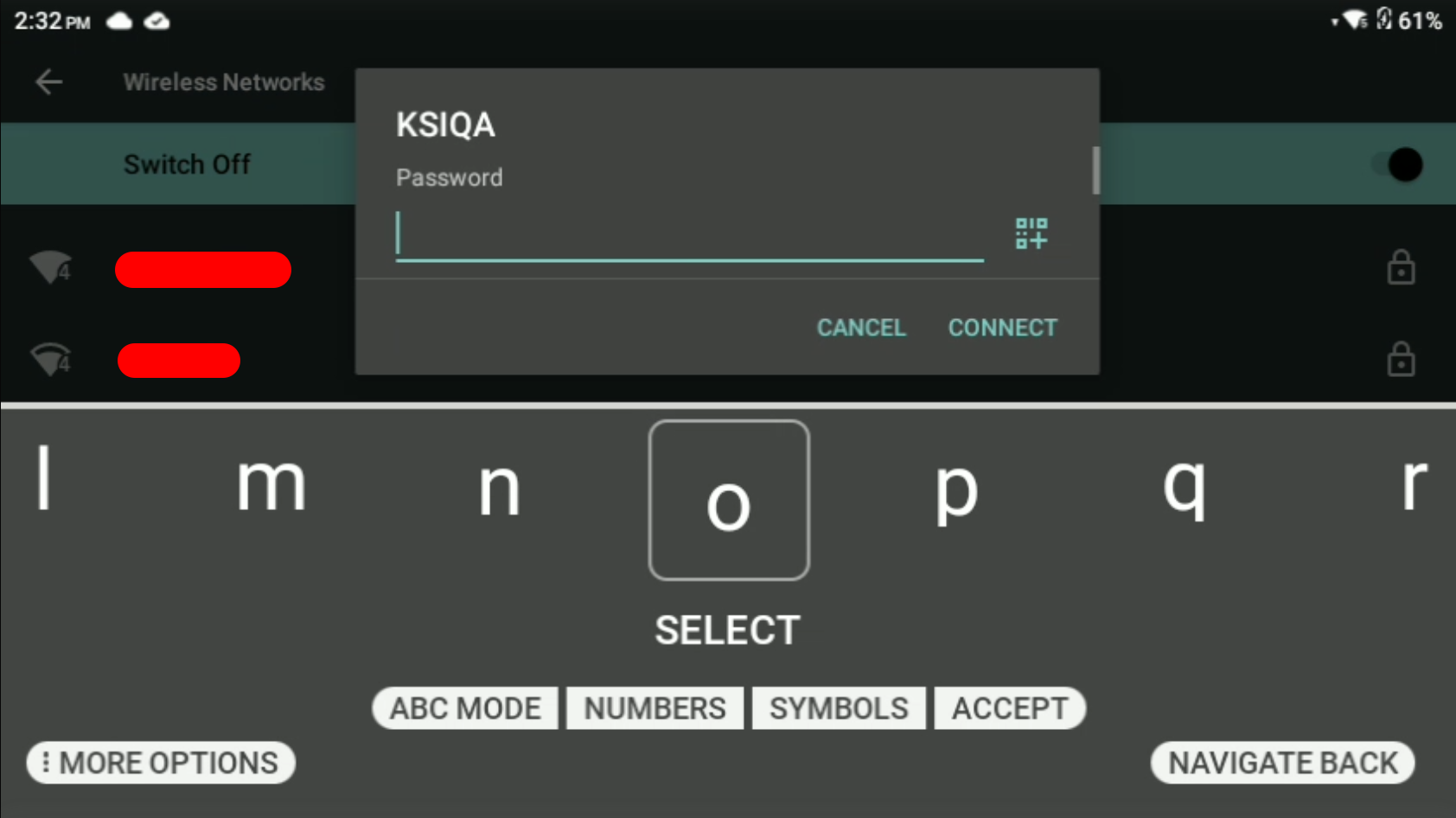 |
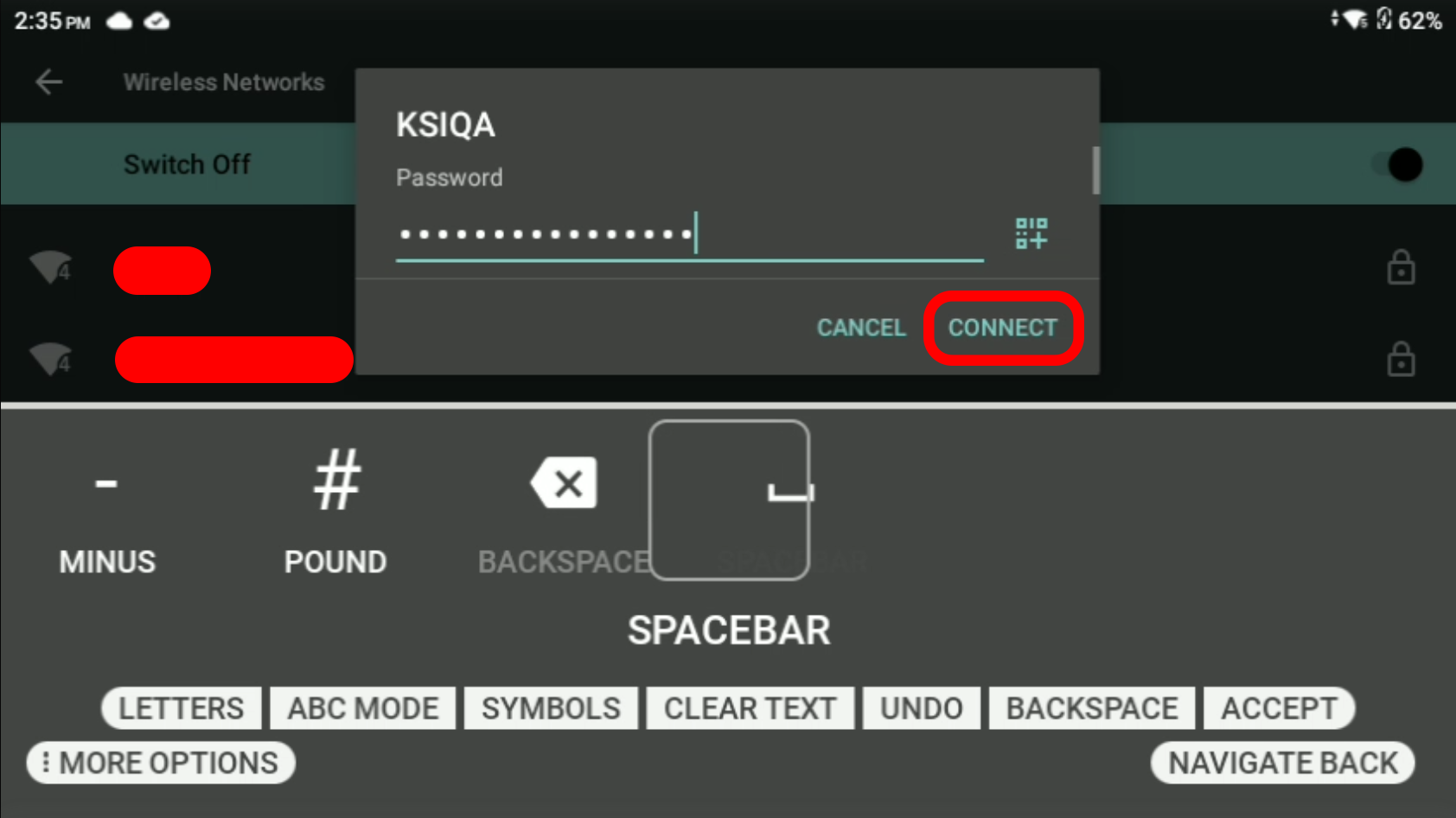 | Once the password has been put in say “Connect” |
| You should now be connected to the other Wi-Fi. | 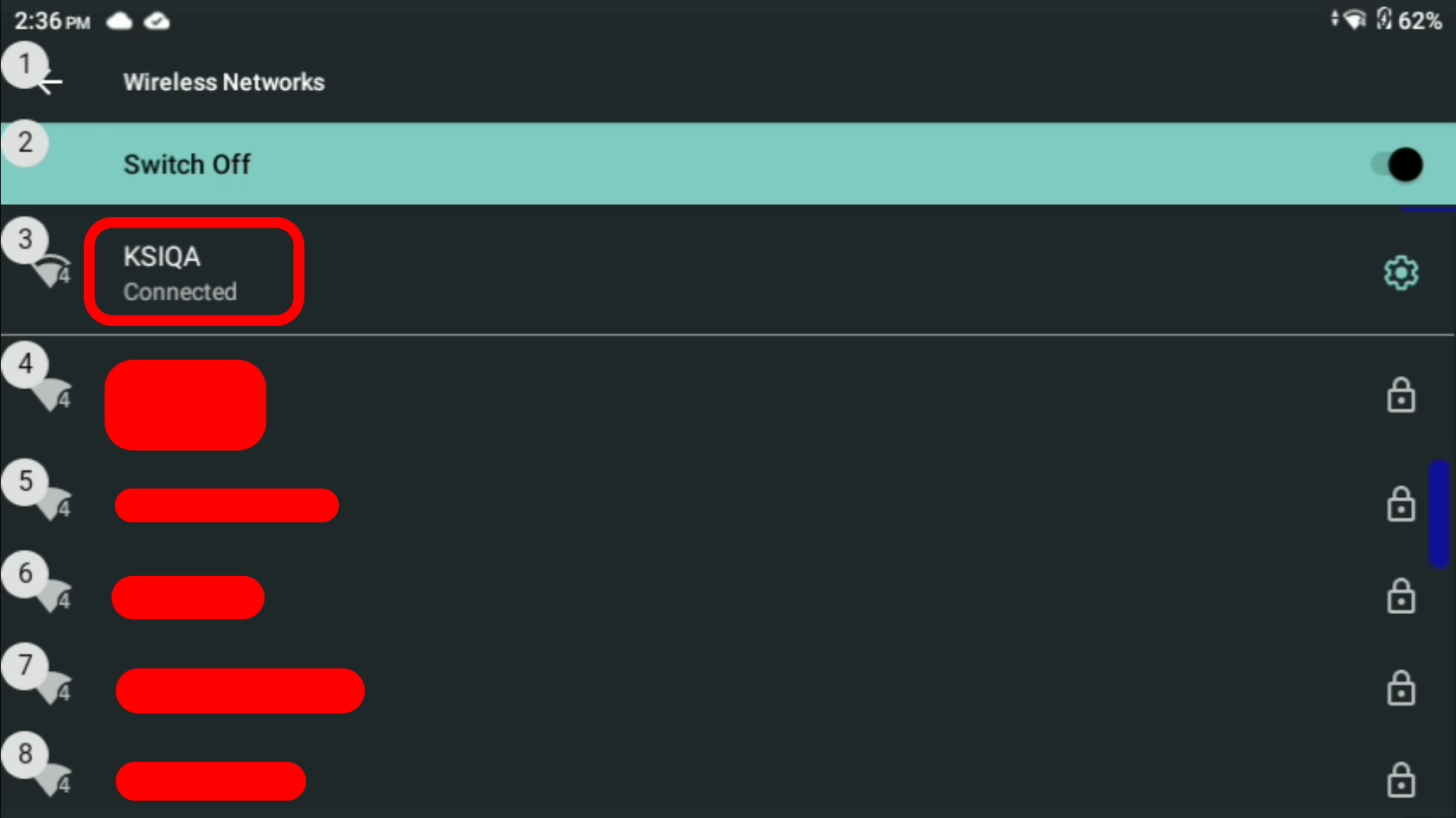 |
Was this article helpful?
That’s Great!
Thank you for your feedback
Sorry! We couldn't be helpful
Thank you for your feedback
Feedback sent
We appreciate your effort and will try to fix the article